
High-Level Project Summary
We developed an app that provided web crawling, image processing, and data visualization for Jupiter. The app is including but not limited to the objective - develop color images using the three JunoCam-generated grayscale and experiment to generate images. While the features are diverse, they were not developed as a disorganized toolbox but were integrated together as an interactive museum of the giant planet. This represents a wide variety of potential users from children to parents; scientists to artists; popular science promoters to social media entrepreneurs. With our visualization app, we believe everyone can have a glimpse of the massive and beautiful planet.
Link to Final Project
Link to Project "Demo"
Detailed Project Description
What exactly?
This project is a computer app for users to select, edit, render, and share their preferred images taken by JunoCam, with advanced visual presentations of Jupiter characteristics.
How do we visualize
Our visualization techniques include:
Using images from RGB channels:
- Stacking 3 preliminary grayscale images from RGB channels
- Removing the artifacts by Gaussian Blurring.
- Creating sliders for adjusting the brightness, contrast, hue, saturation, and lightness on their own for better visualization.
- Providing alternative colormaps for users to render the image (similar to the false-color method).
Using raw images,metadata, and Juno's magnetometer data:
- Paste Jupiter's image (the part where the picture is taken) on a 3D sphere.
- With two or more image inputs (taken in continuous time), a GIF about the wind flow on Jupiter could be generated.
- Present the 3D magnetic field by mayavi
Main Features
1. Web crawling the images data and metadata on Juno's website
When the link of the image is searched, a web crawler would be activated to grasp images from Juno's website for users to preview.
The pictures can be magnified for conformation.

2. Image process and manual adjustments
After the user downloads the image, the app would show a basic combination of 3 original grayscale images from RGB channels and then remove artifacts (caused by Parallax) by Gaussian blurring

For manual image adjusting, features include brightness, contrast, hue, saturation, and lightness.

3. Implementing alternative colormap as filters.
As we adjust the spectrum, we can provide alternative visualization.

4. Present the Jupiter in 3D
Using raw framelets, the image can be pasted on a 3D sphere.

5. Visualizing the Magnetic field of Jupiter in a 3D sphere
Nasa provides Juno's magnetometer data (JRM09 and JRM33) that could be presented as the azimuthal map of the north/south hemisphere.

After calculation of the coordinates transformation, it could be further visualized as 3D vector fields by mayavi.
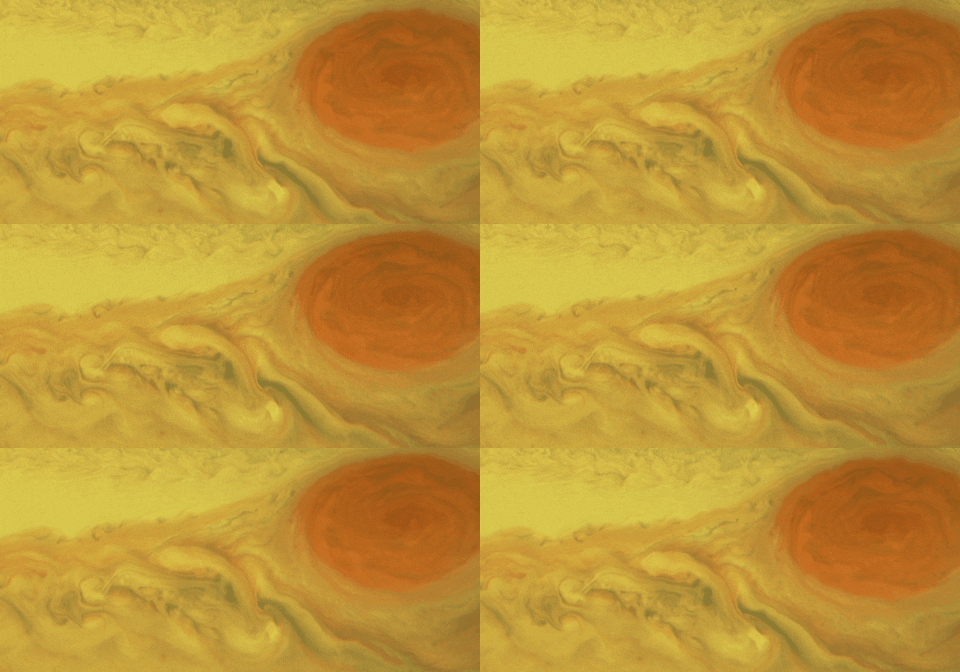
 6. Visualizing velocity field on the planet
Two or more continuous image sets could be used to estimate the velocity field on the planet.
Then being represented as a GIF.
https://media.giphy.com/media/91sKA1ADfmulOrB9FN/giphy.gif

7. Share images on social media

Tools
Language: Python, JavaScript
Most significant usage for data processing: OpenCV
Space Agency Data
SPICE data (kernels) used (from NAIF):
https://naif.jpl.nasa.gov/pub/naif/JUNO/kernels/
https://naif.jpl.nasa.gov/pub/naif/pds/data/jno-j_e_ss-spice-6-v1.0/jnosp_1000/data/
JRM model in JUNO MAGNETOMETER JUPITER ARCHIVE:
https://pds-ppi.igpp.ucla.edu/search/view/?f=null&id=pds://PPI/JNO-J-3-FGM-CAL-V1.0/DATA/MODEL
Hackathon Journey
It's truly an amazing journey in this two-day challenge.
Because our group is composed of students, we don't really have much experience in project development.
Some of our group member even learn how to write a computer app in the competition.
However, we still manage to conquer the difficulties through reading plenty of documents and watching tutorials on Youtube.
So, it's truly astonishing that we can achieve this much.
This contest has taught us a lot, not just programming, but also teamwork, communication, and cooperation.
Hopefully our code would be useful to others and help more people to have a better understanding about the amazing universe.
References
1. Annex et al., (2020). SpiceyPy: a Pythonic Wrapper for the SPICE Toolkit. Journal of Open Source Software, 5(46), 2050, https://doi.org/10.21105/joss.02050
2. My frustrating walkthrough to processing JunoCams raw images. (2020, January 30). Reddit. Retrieved October 2, 2022, from
3. Estimating Velocity Information from JunoCam Images. (2020, April 21). Reddit. Retrieved October 2, 2022, from https://www.reddit.com/r/junomission/comments/g5n77d/estimating_velocity_information_from_junocam/
4. Goertz, C. K., Jones, D. E., Randall, B. A., Smith, E. J., and Thomsen, M. F. (1976), Evidence for open field lines in Jupiter's magnetosphere, J. Geophys. Res., 81( 19), 3393– 3398, https://doi.org/10.1029/JA081i019p03393
5. GitHub - cosmas-heiss/JunoCamRawImageProcessing: A few scripts to help with processing of the raw Junocam images. (n.d.). GitHub. Retrieved October 2, 2022, from https://github.com/cosmas-heiss/JunoCamRawImageProcessing
6. GitHub - mattkjames7/jrm09: Python implementation of the JRM09 internal field model. (n.d.). GitHub. Retrieved October 2, 2022, from https://github.com/mattkjames7/jrm09
7. GitHub - mattkjames7/jrm33: Python implementation of the JRM33 internal magnetic field model. (n.d.). GitHub. Retrieved October 2, 2022, from https://github.com/mattkjames7/jrm33
Tags
#Python, #OpenCV, #Computer App, #False color, #3D vector field, #Magnetosphere of Jupiter